Settings
 Fast Delivery
 Free Shipping
 Incoterms
 Payment Types


 Marketplace Product
Intro to Embedded Rust Part 11: Logging with defmt and Step-through Debugging | DigiKey
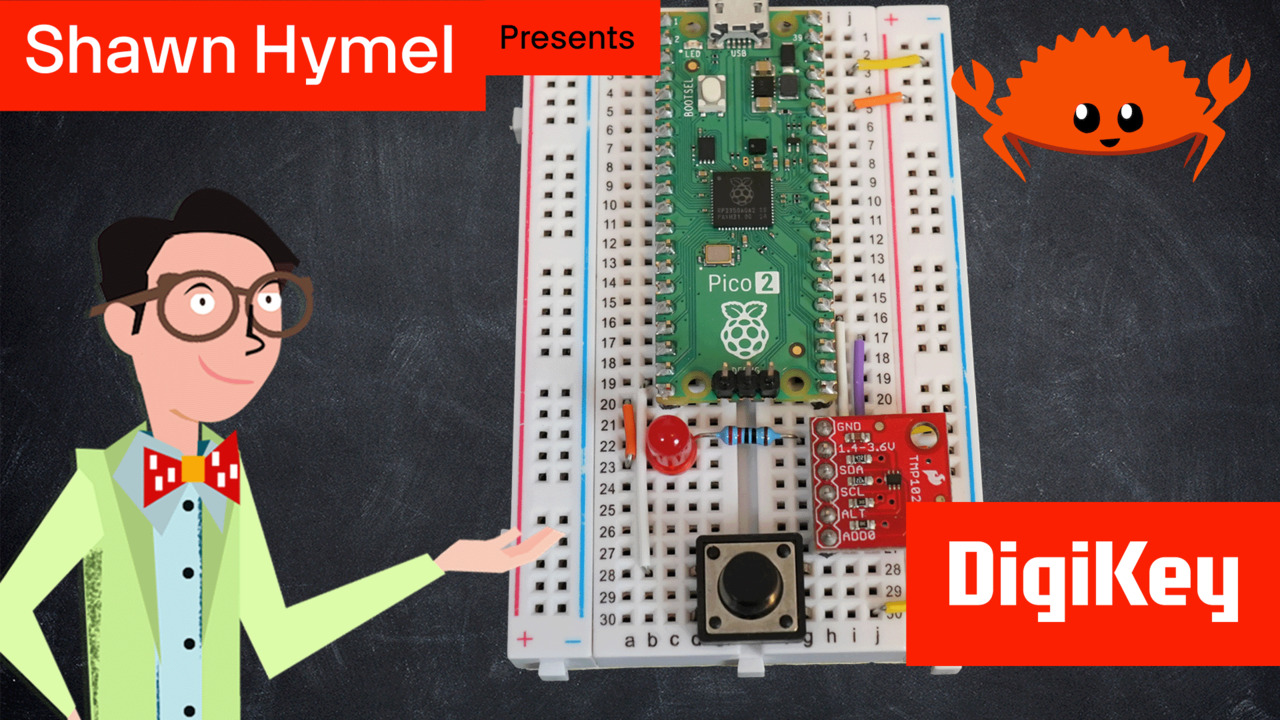
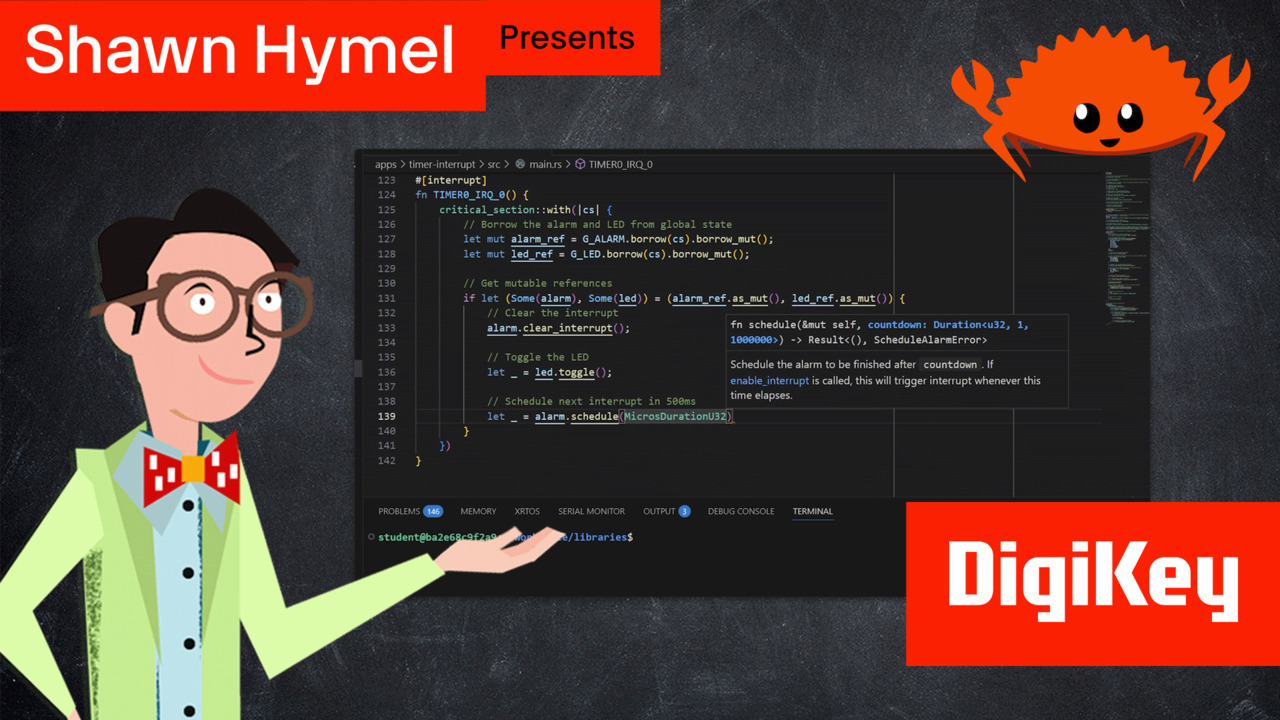
In this tutorial, we cover efficient logging using the defmt framework and step-through debugging for the Raspberry Pi Pico 2. As embedded projects grow beyond simple LED blinking, you need more sophisticated tools to diagnose bugs and understand program behavior. We introduce two essential debugging approaches: the defmt logging framework for efficient, low-overhead debug output, and interactive step-through debugging with GDB for inspecting program state in real-time. Note that for this guide, you will need a Raspberry Pi Debug Probe, defmt and step-through debugging require additional hardware connected to the debug port on the target Pico 2. The written guide for this episode can be found here: https://www.digikey.com/en/maker/tutorials/2026/intro-to-embedded-rust-part-11-defmt-and-step-through-debugging The GitHub repository containing the Docker image and example code for this series can be found here: https://github.com/ShawnHymel/introduction-to-embedded-rust Unlike traditional string formatting that stores format strings in flash memory, defmt keeps format strings on your development computer and only sends small integer indices plus variable data over RTT (Real-Time Transfer). This approach dramatically reduces flash usage and runtime overhead, making it ideal for production debugging where you need fast logging without affecting timing-sensitive code. We demonstrate configuring defmt with different log levels (trace, debug, info, warn, error), using defmt-rtt as the RTT transport layer, and integrating panic-probe for better panic messages. We explore how to add the required linker flags in .cargo/config.toml, set the DEFMT_LOG environment variable to control verbosity, and use probe-rs run to flash your program and display real-time log output through the Debug Probe's SWD connection. We then look at interactive step-through debugging using GDB (GNU Debugger) with the probe-rs GDB server. ARM Cortex-M microcontrollers like the RP2350 require external debug hardware, as they cannot perform step-through debugging on their own and need a debug probe connected via SWD to enable breakpoints, variable inspection, and single-stepping. We cover the complete setup: installing probe-rs tools with cargo install, configuring WinUSB drivers on Windows, connecting the Debug Probe to the Pico 2's SWD header (SWCLK, GND, SWDIO), and starting a GDB server with probe-rs gdb. The tutorial demonstrates using gdb-multiarch to connect to the remote target, set breakpoints with break main, step through code with step and next commands, inspect variables with print, and examine the call stack. These are essential skills for diagnosing complex bugs that can't be solved with logging alone.


Part List
| Image | Manufacturer Part Number | Description | Available Quantity | Price | View Details | |
|---|---|---|---|---|---|---|
 |  | SC1631 | RASPBERRY PI PICO 2 RP2350 | 24944 - Immediate | $364.45 | View Details |
|  | SC1632 | RASPBERRY PI PICO 2 H RP2350 | 2032 - Immediate | $357.30 | View Details |
|  | SC1633 | RASPBERRY PI PICO 2 W RP2350 | 4145 - Immediate | $416.85 | View Details |
|  | SC1634 | RASPBERRY PI PICO 2 WH RP2350 | 3038 - Immediate | $476.40 | View Details |
|  | LTL-4224 | LED RED CLEAR T-1 3/4 T/H | 56118 - Immediate | $10.12 | View Details |
|  | 13314 | TMP102 DIGITAL TEMP SENSOR BOARD | 296 - Immediate | $354.32 | View Details |
|  | CF14JT220R | RES 220 OHM 5% 1/4W AXIAL | 60666 - Immediate 100000 - Factory Stock | $5.96 | View Details |
|  | DH-20M50055 | USB AM TO USB MICRO, USB 2.0 - 1 | 13437 - Immediate | $94.09 | View Details |
|  | 1957 | JUMPER WIRE M TO M 6" 28AWG | 12272 - Immediate | $116.12 | View Details |
|  | FIT0096 | BREADBRD TERM STRIP 3.20X2.00" | 207 - Immediate | $172.70 | View Details |
|  | 1825910-6 | SWITCH TACTILE SPST-NO 0.05A 24V | 23374 - Immediate | $7.74 | View Details |